What do field safety teams need from safety software?
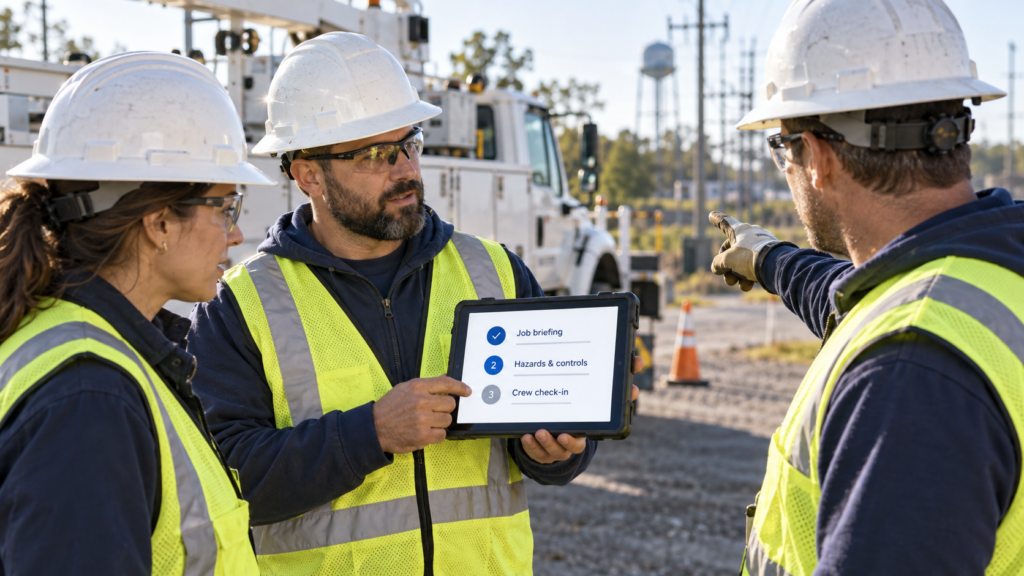
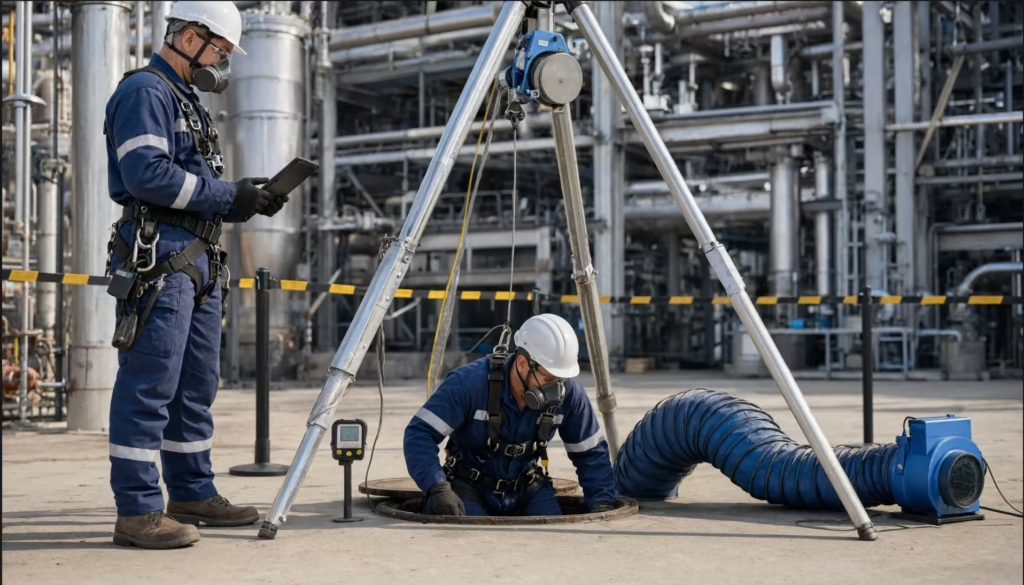
Most safety work doesn’t happen behind a desk. It happens on job sites, in trucks, and in the middle of active work where time is limited and conditions change quickly. Crews are expected to complete critical tasks throughout the day, often under pressure:- Complete JHAs before starting a task
- Inspect equipment and job sites
- Report hazards and near misses
- Run safety briefings
- Make quick decisions when conditions change
Why is AI workplace safety software important in the field?
Most safety systems focus on documenting what already happened. That works for reporting, but it doesn’t help crews deal with risk while work is still in progress. Field teams need tools that support action in the moment. AI workplace safety software uses data from inspections, incidents, and daily activity to help crews:- Flag risks before work begins
- Suggest controls during JHAs
- Surface patterns across crews and sites
- Guide decisions in real time
- The U.S. Bureau of Labor Statistics 2024 injury and illness report recorded 2.5 million nonfatal workplace injuries and illnesses
- The Census of Fatal Occupational Injuries reported 5,070 fatal work injuries
How do you evaluate AI workplace safety software for field use?
The best safety software fits into how work actually gets done. It should help crews complete tasks quickly and respond to risk without slowing the job down.Speed and ease of use
Start with how fast crews can complete everyday safety tasks. If the process feels slow or complicated, people will skip steps.- Can crews complete JHAs quickly before starting work?
- Can they submit inspections without navigating complex forms?
- Does the platform work reliably on mobile devices?
Hazard identification in real time
Next, look at how the system helps teams spot and control risks. The goal is to catch hazards early, not after work is already underway.- Does the platform flag risks during planning?
- Can crews capture hazards in real time?
- Are controls easy to apply and document?
Reporting that actually happens
Reporting only works if crews use it. The system should make it easy to report hazards without interrupting the job.- Can hazards and near misses be reported in seconds?
- Is the process simple enough to use in the field?
- Does the system remove barriers to reporting?
Support for real-time decisions
Finally, focus on how the platform helps crews make decisions during the job. This is where AI adds the most value.- Can workers access safety guidance while they work?
- Does the system respond to changing conditions?
- Are insights available before work is complete, not after?
What are the best workplace safety software platforms in 2026?
Not all safety software performs the same in the field. This list focuses on platforms that help crews complete work faster, capture hazards quickly, and make better decisions during the job.1. Field1st
Field1st is built around how safety work actually happens in the field. It helps crews complete tasks quickly and respond to risks without breaking workflow. It brings JHAs, inspections, incident reporting, and safety briefings into one system designed for real-time use. Its AI features support decisions before and during work, when timing matters most.Key strengths:
- Voice-driven form completion for faster JHAs and inspections
- Image-based hazard recognition to capture risks instantly
- Real-time guidance based on OSHA standards and company procedures
- Alerts tied to weather and changing job conditions
- Connected workflows across inspections, incidents, and audits
2. Intelex
Intelex focuses on structured safety management and centralized reporting. It helps organizations track inspections, incidents, and audits across multiple sites. It performs well when consistency and visibility are the priority. However, it is less focused on fast task completion in active work environments.Key strengths:
- Strong inspection and incident tracking workflows
- Detailed reporting and analytics
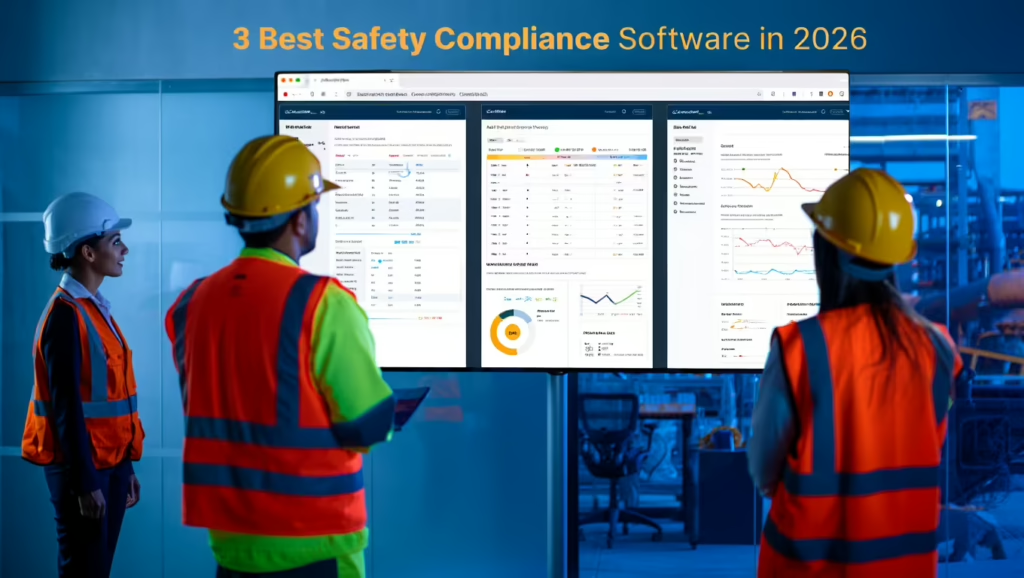
- Configurable dashboards for oversight
- Scalable for large organizations
3. Cority
Cority combines safety workflows with occupational health tracking. It gives teams a way to manage both incidents and exposure data in one place. Its strength lies in analysis and recordkeeping across programs. It is less focused on guiding decisions during active work.Key strengths:
- Integrated safety and health tracking
- Exposure and industrial hygiene tools
- Incident and audit workflows
- Data analysis across programs
4. VelocityEHS
VelocityEHS emphasizes usability and accessibility. It helps teams move away from manual processes with tools that are easier to adopt. It improves how teams capture and manage safety data, though its focus remains more on reporting and assessments than real-time hazard response.Key strengths:
- Easy-to-use interface
- Mobile access for field teams
- Ergonomics and risk assessment tools
- Cloud-based deployment
5. Sphera
Sphera focuses on enterprise risk management and advanced analytics. It supports large organizations with complex safety and operational needs. It provides strong oversight and modeling capabilities, but it is less focused on quick task execution in the field.Key strengths:
- Advanced risk modeling
- Strong audit and compliance tracking
- Integration with enterprise risk systems
- Support for large-scale operations
Field1st vs. the Competition
See the Head-to-Head Breakdown
Want to see exactly how we stack up feature-for-feature against the competition? Check out our dedicated Field1st Comparison Page.
View the Full Comparison →How do you choose the right workplace safety software?
The right platform depends on how your team handles safety work in the field. Some tools focus on tracking and reporting. Others focus on analysis. Fewer are built to help crews complete tasks quickly and respond to risks as they happen. When evaluating options, focus on real-world performance:- Can crews complete JHAs and inspections quickly?
- Can hazards be captured and reported without delay?
- Does the platform support decisions before work begins?
- Will teams actually use it in the field?