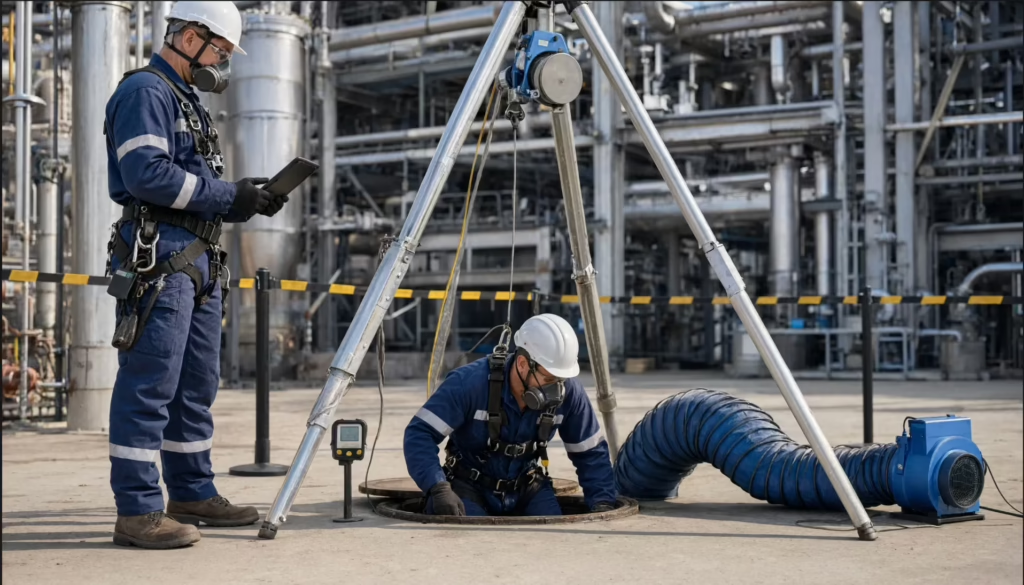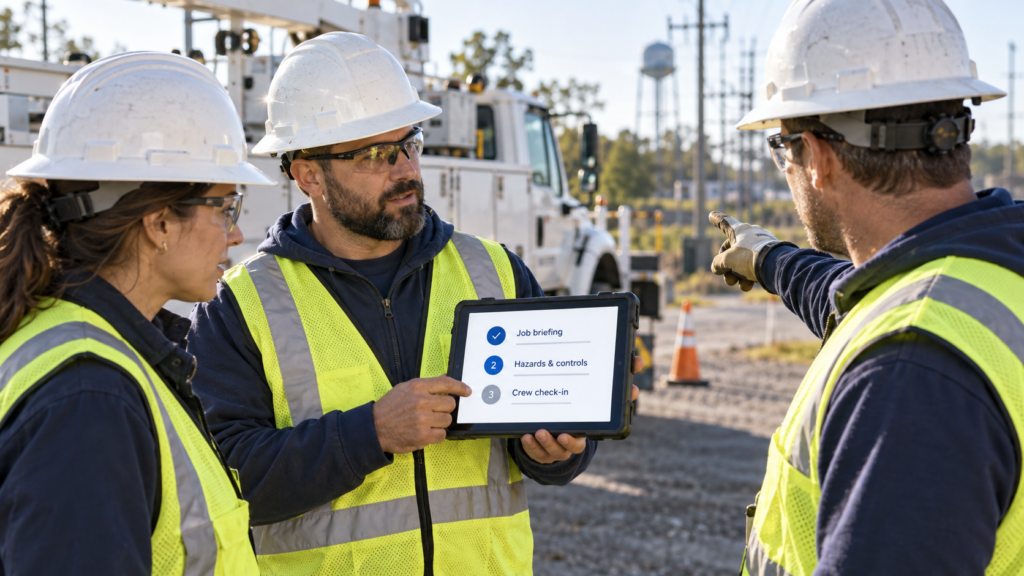
What is a Guided Workflow? It’s a Field1st workflow that walks the crew through the job by voice, drafts the safety record as they talk, assigns every action to a person, checks back while the work is running, and finishes with an audit-ready record. The crew picks a job, not a form.
The paperwork is automated. The decisions aren’t.
Here’s what that’s worth, what you can prove fast, and what nobody can prove yet.
The form gets filled after the work
Ask any safety director how pre-task forms really get done. You’ll hear the same story. Some are filled out at the truck. Some get back-filled at lunch. A few turn up at the end of the week, rushed, half legible, or missing.
That’s not a crew problem. It’s a design problem. A form asks for a signature after the conversation. A workflow runs the conversation.
When the record is thin or late, safety leaders can’t trust their own numbers. Every downstream report, every trend, every audit answer starts with that form.
Free safety maturity framework
Find where your field-safety process stalls
Use the five levels of Conversational Safety Maturity to see how programs move from completed forms to AI-assisted field decisions—and identify the next gap to close.
What every Guided Workflow does
Five things happen every time a crew runs one.
Guided. The workflow walks the crew through the steps in order, by voice or on mobile. Nothing gets skipped, and the briefing doesn’t change depending on which supervisor runs it.
Drafted. As the crew talks through the job, Field1st structures the record and flags hazards or controls that look missing. A person confirms every call. Nothing closes on its own.
Owned. Every gap becomes a task with a name and a due date, routed through your roles and hierarchy. Corrective actions track to closure instead of living in a notes field.
Verified. This is the new part. The workflow checks back mid-shift: is the work still going as planned, did anything change, are the controls still in place? A changed condition or a missing control triggers a re-plan, not a note nobody reads. It’s the crew checking again in the moment, not an inspection.
Audit-ready. The record is time-stamped, geo-stamped, and signed when it’s captured, so it shows when and where the briefing happened.
Crews can capture records without a signal, and they sync when phones reconnect.
See the workflow in practice
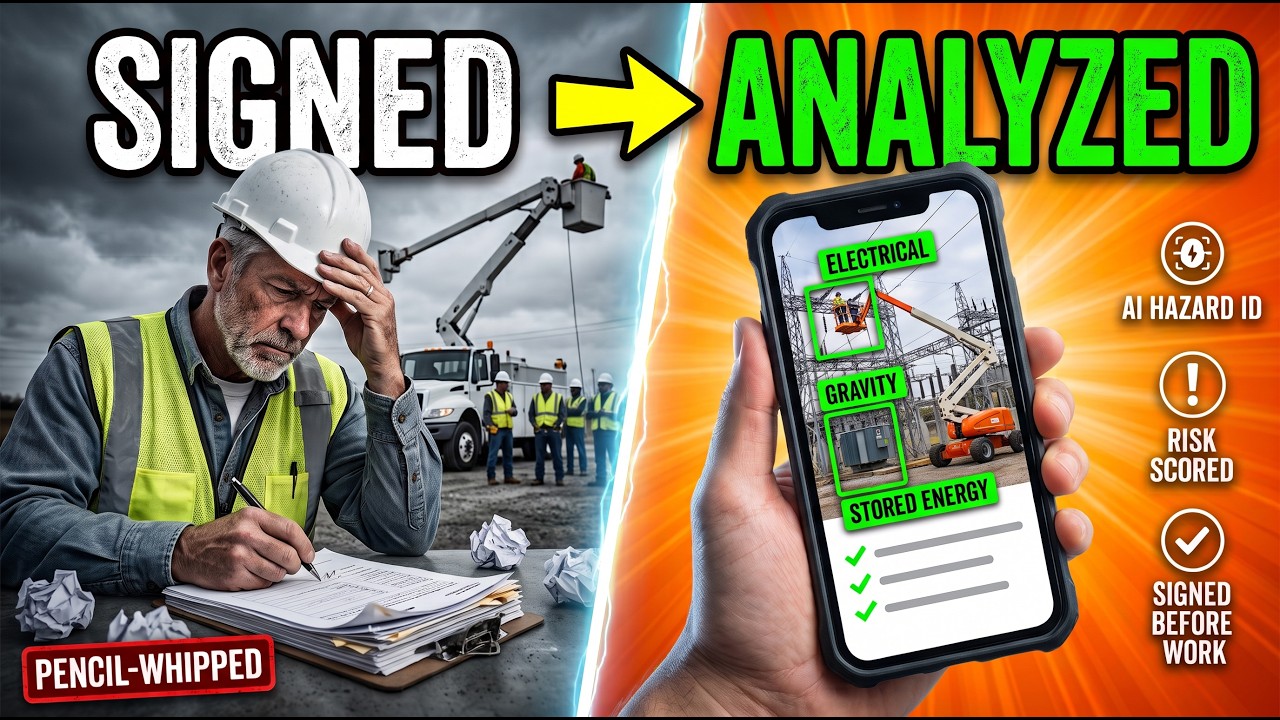
A signed JSA isn’t a hazard analysis
This 112-second walkthrough shows crews describing the job, structuring the task steps, reviewing hazards and controls, and re-scoring the work when conditions change.
Why the mid-shift check-in matters
Most briefings are accurate at 7 a.m. The problem is 11 a.m.
Research led by Matthew Hallowell found crews identified only about 45% of the hazards present before work. Some of the rest couldn’t reasonably be spotted before work started, and conditions change once the job is underway. A form signed once at the start of the shift can’t catch those. A check-in while the work is running gives the crew a reason to stop and look again.
What it’s worth
Injury costs
The National Safety Council puts the cost of a medically consulted work injury at about $48,000, and a work death at about $1.54 million, using 2024 data. Those are costs to society, including wages, medical, and administrative costs, not just what an employer pays. They show the scale of what’s at stake. Build your own business case on your claims and lost-time costs.
The link to briefings comes from a 2026 study in the Journal of Safety Research. Across 31 utility and construction organizations, higher-quality pre-job briefings went with better control of high-energy hazards. Better control went with fewer serious injuries and fatalities over time.
That’s an association, not proof of cause and effect. It’s also peer-reviewed, and it ties the quality of the crew conversation to serious-injury outcomes. Guided Workflows are built around that conversation.
Your EMR, which means your bids
For contractors, this is the one that matters most. Many large owners prequalify on experience modification rate. In the Carolinas, for example, large owners commonly screen out contractors with an EMR above 1.0, and some allow up to 1.1.
A better EMR lowers premiums. More important, it keeps you eligible for work. That makes safety a revenue conversation, not just a cost one.
EMR moves slowly. It reflects claims from prior years, so don’t expect a new workflow to change it this quarter. What changes first is the quality of the records and the follow-through behind them.
Near misses
Crews report more near misses when reporting is simple and nobody gets in trouble for it. With Field1st, a crew member can report one by voice from the job, without hunting for a form.
More reports can be a good sign. It often means people trust the process. Pulse1st turns those reports into trends, so you can see which crews, sites, and types of work need attention before something worse happens. Read the counts alongside severity and event type, not on their own.
What you can prove in 60 days
The injury and EMR effects take years to show. These numbers don’t. Pull a sample of your current paper briefings as the baseline, then compare.
The two that test the core promise:
- Briefings recorded before work starts. The share captured before the job’s start time, not back-filled later.
- Briefings that are job-specific. The share that name the actual hazards, the controls, and who owns each action, scored against a simple rubric you set up front.
Three that show the workflow is working:
- Briefing time, before and after. Time the whole briefing, including the job walk and the crew discussion, and track documentation time on its own.
- Actions closed on time. The share of assigned tasks closed by their due date.
- Check-in response rate. How often crews answer the mid-shift check-in, and how often a changed condition led to a re-plan.
A safety director can put those in front of a CFO in two months, long before the injury data catches up.
What the AI does and doesn’t do
It drafts the record. It flags hazards and controls that look missing. It suggests next steps.
It never decides. It never closes a hazard. The crew and supervisor confirm every call, and your site rules, permits, and work methods stay in charge.
The honest gap
We haven’t found a published “better briefings mean X% fewer injuries” number, and the studies cited here don’t give one. They show an association, not a figure you can put on a slide.
A 60-day pilot won’t produce that number either. That will take many crews and years of data. What a pilot can show is whether briefings were recorded before work, whether they got more specific, whether assigned actions closed, and whether crews stopped to re-plan when the job changed. That’s the part of the chain you control.
See it on your own work
Bring one briefing or JSA form your crews use today
In about 20 minutes, see how it maps to a Guided Workflow and how a 60-day pilot could measure timeliness, briefing quality, action closeout, and mid-shift response—no slides, prep, or pressure.
Sources
- National Safety Council, Injury Facts: Work Injury Costs
- Bayona, Hallowell, Bhandari, Raheemy. “Balanced approach to serious injury and fatality prevention.” Journal of Safety Research 98 (2026). ScienceDirect
- Bayona et al. “Impact of Energy-Based Safety Training on Quality of Prejob Safety Meetings and Control of Hazardous Energy in Construction.” Journal of Construction Engineering and Management 151(7), 2025. ASCE
- M. Hallowell, “The Energy Wheel: The Art and Science of Energy-Based Hazard Recognition,” Professional Safety, December 2021. PDF
- Edison Electric Institute: High-Energy Control Assessments
- ABC of the Carolinas: EMR Construction 2026 Executive Briefing
- Veriforce: TRIR vs EMR
- ABC Southern California: Near Miss Reporting in Southern California Construction